
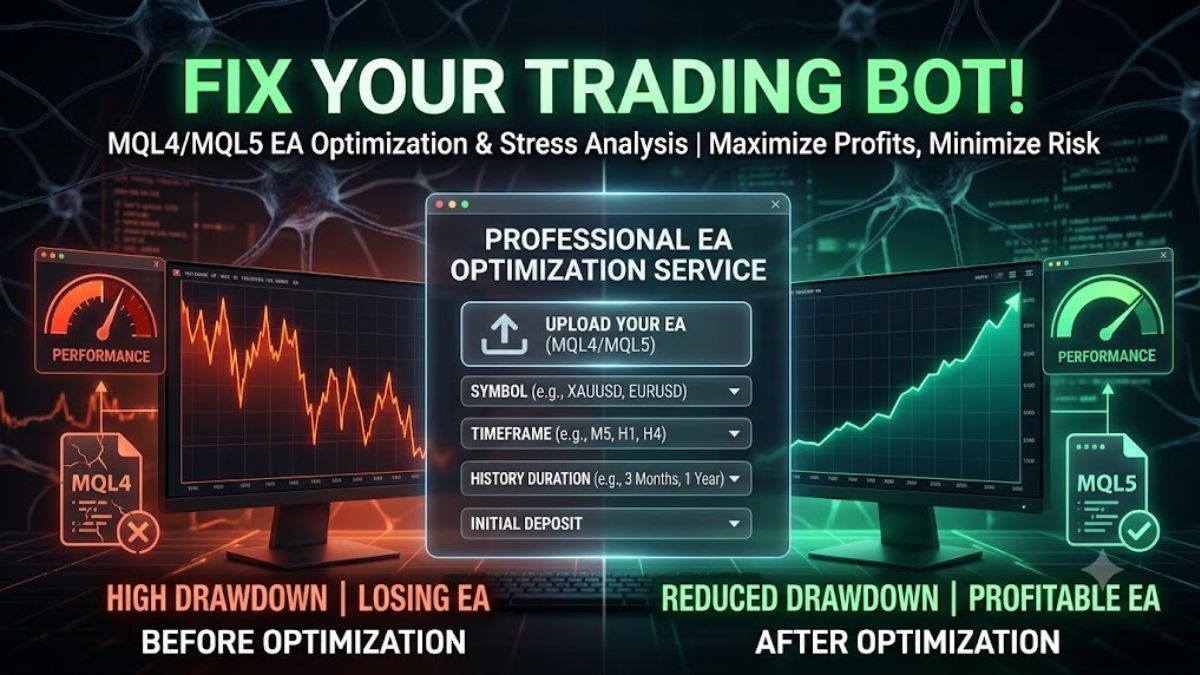

Running an Expert Advisor (EA) with default settings and no proper optimization isn't really algorithmic trading—it's taking a risk without enough data. Markets constantly change, and a bot that works well on EURUSD H1 may perform very differently on XAUUSD M15 if it isn't properly optimized.
To get the best performance and improve your bot's ability to handle difficult market conditions, your EA needs thorough optimization and stress testing. This guide explains how to submit your MQL4 or MQL5 trading systems to the TradingBotLab Optimization Team for custom parameter generation.
Step 1: Submit Your Optimization Request
First, log in to your account and go to Hire Us > EA Optimization & Stress Analysis.

This section acts as your dashboard, where you can manage both current and previous optimization projects.
To begin, you need to provide the EA you want us to analyze. There are two ways to do this:
Direct File Upload
If you have a custom-built or private EA, upload the EA file directly from your computer.
If the EA requires custom indicators to work correctly, upload those files as well.

Market Link Submission
If you're using a commercial EA from the MetaTrader Market, such as Range Breakout or Quantum Queen, simply paste the direct product link.
Also provide:
The exact EA name. Whether it is an EA or an Indicator
This helps our team avoid any confusion during the review process.
Step 2: Define Your Testing Requirements
Optimization is not the same for every trader. To run accurate stress tests and optimization processes, we need details about your intended trading environment.
Please specify the following:
Symbols
Choose the exact instruments you want to optimize, such as:
> XAUUSD
> EURUSD
Timeframes
Select the timeframes you plan to trade, such as:
> M5
> H1
> H4
We also support custom timeframes like H2.
Base Balance
Enter the account balance you expect to trade with, for example:
> $100
> $200
> $10,000
This is important because optimization results can vary based on available margin and account size.
Historical Data Range
Choose how much historical data should be used during testing:
> 30 Days
> 3 Months
> 6 Months
> 1 Year
Note: Using more historical data generally provides stronger statistical confidence, but it also requires more processing time and computing resources.
Step 3: Review the Custom Quote
After clicking Submit for Quote, your request will appear in the system with a Pending status.
We do not use fixed pricing because every EA is different. The amount of processing power required depends on:
The complexity of your EA's logic
1. The symbols selected
2. The timeframes requested
3. The amount of historical data chosen
4. Our team will review your submission and calculate the required server resources.
Once the review is complete, you'll receive a custom quote.
After payment is confirmed, our optimization process begins. The system will run extensive stress tests to identify the strongest and most reliable parameter combinations for your EA.
Step 4: Make Changes and Scale Your Projects
Trading requirements can change, and the platform allows you to communicate directly with the optimization team throughout the process.
Update Your Request
Need a faster turnaround?
For example, if you want to reduce the testing period from 3 months to 30 days, you can send a message directly through the request portal and update your requirements.
Submit Multiple EAs
You don't need to limit yourself to a single project.
If you have several EAs that need optimization, you can submit multiple requests at the same time and manage them all from your dashboard.
Final Thoughts
Stop relying on guesswork when choosing EA settings. Accurate optimization and stress testing can help you better understand how your trading bot performs under different market conditions.
Submit your EA, provide your requirements, and let our systems work to find the strongest parameter combinations for your strategy.


